

Frequently Asked Questions – Digital Banking
Have questions? We are here to help.
Do I need to do anything right now?
Yes. While there will be a few steps required on your part, rest assured that we completed the heavy lifting behind the scenes to make the upgrade to our new eBranch and mobile app experience as smooth as possible.
» First Login
A required password reset.
All eBranch users will be required to reset their existing password to activate the new platform. Get started from our homepage.
» Transfers
Move money between accounts with fewer steps both within CEFCU and your external accounts at other financial institutions. Plus, take advantage of 90 additional minutes every weekday to make external transfers with an extended cutoff time of 11:30 a.m. (Pacific).
» Mobile app
No app re-download needed. Simply update to the latest version.
This upgrade includes a new look to our app icon.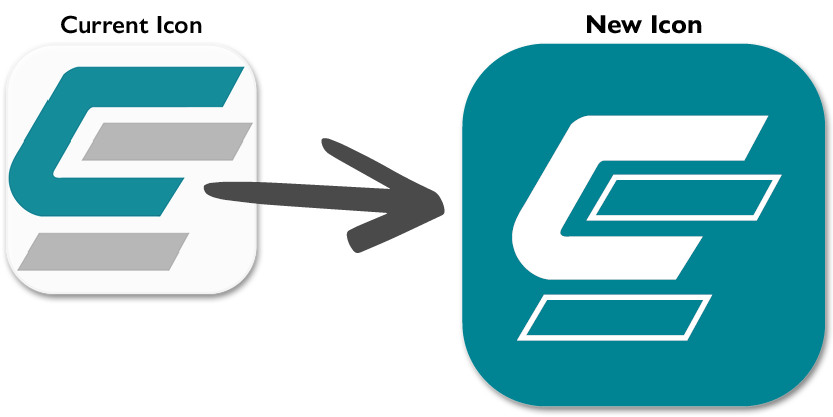
If your device is not set for automatic app updates or to download the app for the first time, visit your preferred app store.
» Do not share your login credentials with anyone.
CEFCU will never ask you for personal, account, credit card, or Social Security information via text or email.
Why is CEFCU upgrading the online account access system?
Technology is continuously evolving, especially within the financial services industry. We will upgrade our system to continue to provide the highest level of account security and member access.
The new digital banking solution will provide a faster and more intuitive experience across all your devices — desktop, tablet, and mobile phone. We are excited to bring easier access to payments, loan details, alerts, real estate loan payment (including escrow/taxes) history, and much more.
No. All your services moved with you — including scheduled transfers, mobile check deposit, internal/external transfers, and loan payments.
Will my account number change?
No, your account number will remain the same.
Will I need to update the app?
No app re-download needed. Simply update to the latest version.
This upgrade includes a new look to our app icon.
If your device is not set for automatic app updates or to download the app for the first time, visit your preferred app store.
 |
 |
|---|
Please note, you may need to set up biometrics and push notifications.
Who can I contact with questions?
You can email Electronic Services or call us at (800) 592-3328, option 3. Representatives are available Monday through Friday from 8:00 a.m. to 4:45 p.m. (Pacific).
Federally insured by NCUA.
Mobile carrier message and data rates may apply. You can also access your accounts from your web enabled device at www.cefcu.org.
Fingerprint or facial authentication available only on eligible devices. If your device is accessed by others, those additional users will have access to any app. We recommend limiting log in to your username and password instead of fingerprint or face recognition.
Apple, the Apple logo, iPhone, and iPad are trademarks of Apple Inc., registered in the U.S. and other countries. App Store is a service mark of Apple Inc., registered in the U.S. and other countries.
Android, Google Play and the Google Play logo are trademarks of Google LLC.