

Enrollment for Existing eBranch Users 
CEFCU’s new faster, easier, and more secure digital banking platform is focused on providing you better tools to help manage your finances with greater convenience and control. You’ll see a fresh new look with features like account aggregation, member-to-member transfers, and enhanced security and fraud protection.
First-Time Login
The steps below will guide you through the your first-login on our new digital banking platform.
Existing eBranch Users |
|
|---|---|
|
Browser: If logging in from a browser, visit our homepage and look for the login widget on the top-right. 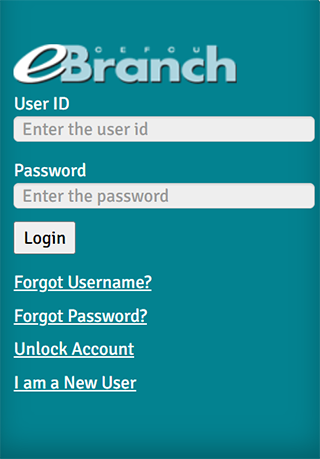 |
|
|
Mobile app: If logging from our mobile app, you’ll need to update to the latest version. The new mobile app icon looks like this: 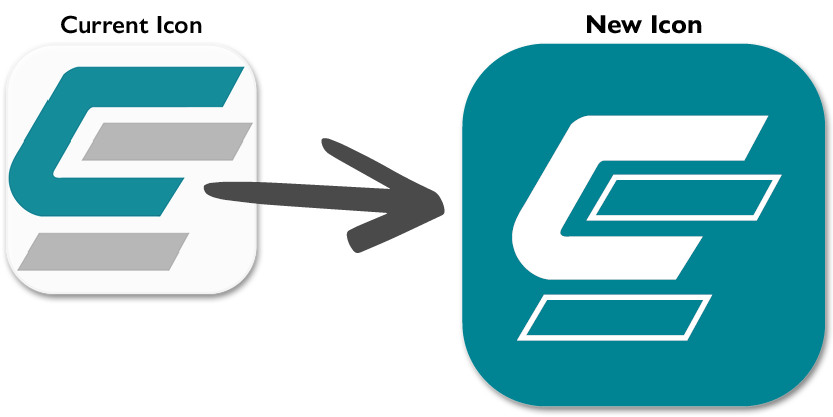 |
|
|
|
Simply log in with your current eBranch credentials (User ID and Password). Then, select the Login button. |
|
|
From the Welcome page, select the Enroll now button. |
|
|
Read the Terms and Conditions. |
|
|
Complete Identity verification with your information. |
|
|
Complete your Account credentials.
When your credentials have met requirements (all requirements items have a green checkmark), select the Enroll now button. |
|
|
Complete Verification. Enter the OTP and select the Next button. |
|
|
Success. |







Here to Help
For assistance with our new digital banking platform, call us at (800) 592-3328, option 3. Representatives are available Monday through Friday from 8:00 a.m. to 4:45 p.m. (Pacific). If you are unable to reach a representative, please email us. If you leave a voicemail, a member of our team will return your call within one business day.
Federally insured by NCUA.